

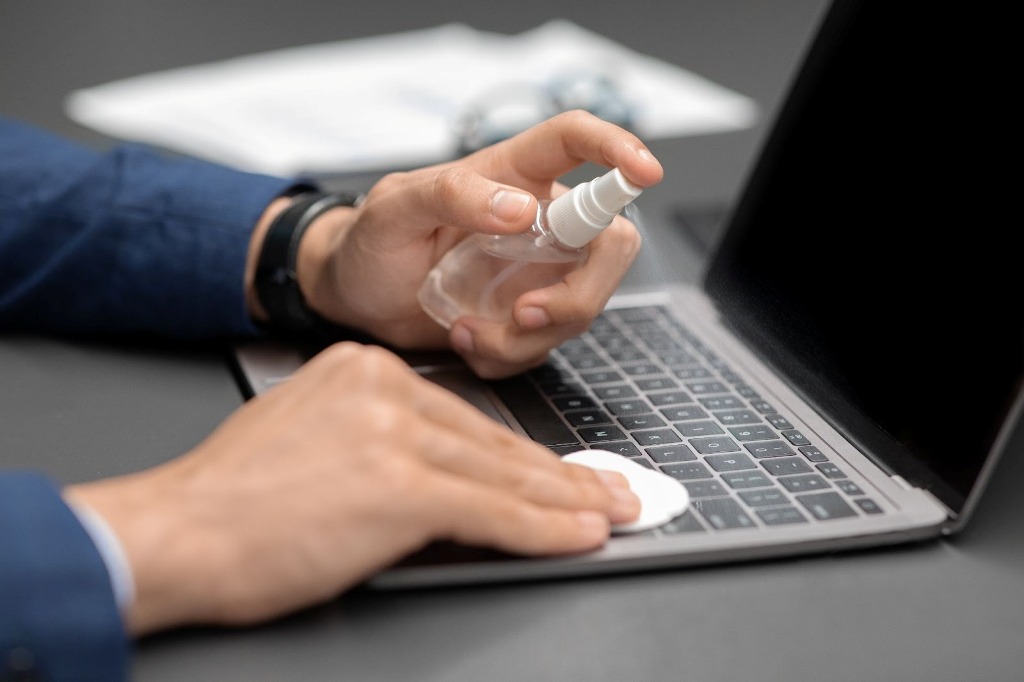
Studies have found that everyday workplace equipment like computers, laptops, and their keyboards often harbour hundreds of bacteria.
Keyboards were found to host an average of 237 bacteria colonies, with some even reaching up to 970 colonies making them dirtier than a toilet seat, according to a study by CloudZero.
With many now returned to work after the festive break, millions could be exposing themselves to these bacteria unknowingly.
To help, the experts at London rubbish removal company Clear It Waste have revealed vital advice for cleaning laptops, mouses, and keyboards, as millions neglect cleaning these high-touch surfaces.
Josh Clarke on behalf of Clear It Waste also provides advice on the importance of cleaning tech and what to do if you need to dispose of old office equipment.
Experts urge workers to clean these common office items
Keyboard: average of 237 bacteria colonies
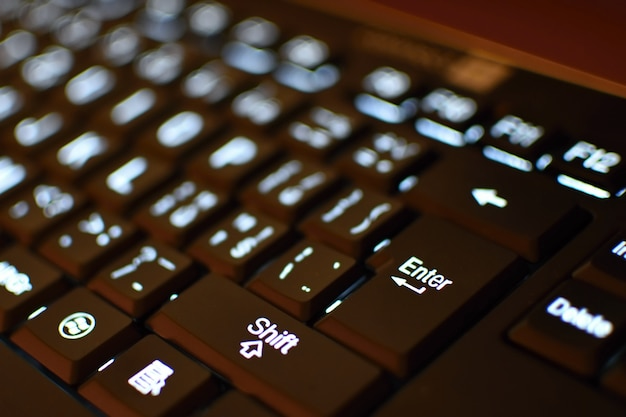
Keyboards are a staple of day to day work for many workers, but they could be hosting hundreds of bacteria such as mould and staphylococcus spp / micrococcus spp. Staphylococcus can cause infections, whilst mould can negatively impact health, causing respiratory issues, allergic reactions, and irritation. Searches for ‘how to clean laptop keyboards’ have soared by over 5,000% in the past week alone.
Keyboards should be wiped down weekly, with a deep clean done every 1-2 months. Always unplug your keyboard before cleaning.
To clean it, simply wipe it down with a microfiber cloth to remove surface grime, especially if you snack at your desk. For a deeper clean, use a slightly moist cotton swab with a very mild cleaning solution to cleanse the keyboard surface.
Be sure not to allow any liquid to get into the keyboard. Finally, use a dry cloth to gently wipe it down and ensure the keyboard is dry. Remember that immersing your keyboard in water or any other fluid is dangerous and not advised.
Mouse: average of 408 bacteria colonies
Similarly to the keyboard, a mouse should be wiped down weekly, and deep cleaned monthly, as over 400 bacteria colonies were found on the mouse according to CloudZero’s study, including Bacillus spp.
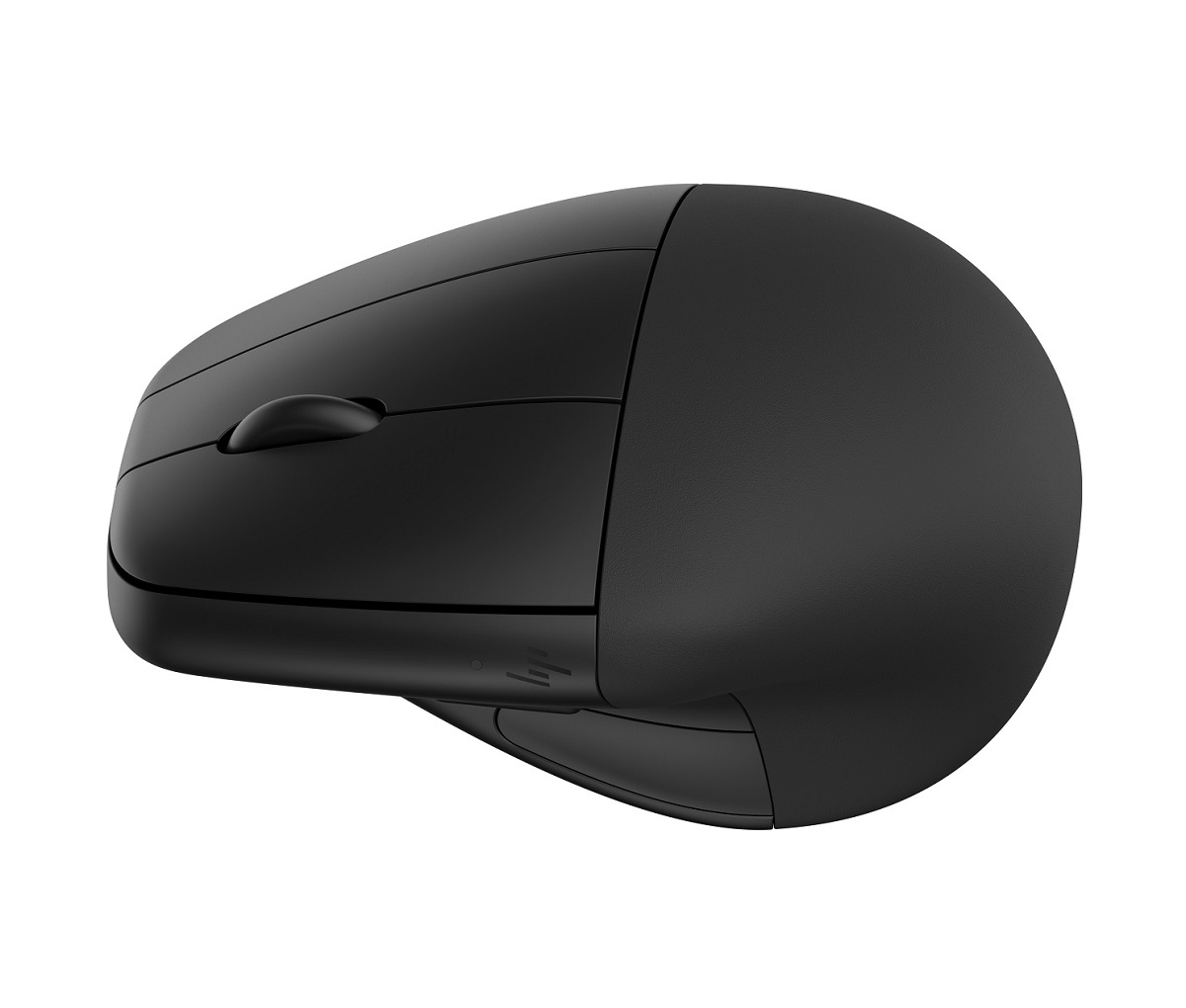
This bacteria is often harmless, but some species of Bacillus can form spores, enabling them to survive in harsh environments.
To clean a mouse, ensure it is off and unplugged, and do a weekly wipe down with a slightly damp cloth to remove surface oils and grime. Once a month, take a microfibre cloth and use a small amount of mild cleaner or disinfectant to wipe away bacteria. Use a dry microfibre cloth to ensure your mouse is completely dry before use.
Laptop: average of 645 bacteria colonies, with some devices harboring over 3,000 colonies
The average laptop hosts over 600 colonies of bacteria, with some even being found to harbour thousands. Laptops should be cleaned monthly to avoid this bacteria build up.
To do so, take a diluted computer-safe cleaning solution on a microfibre cloth, and gently wipe down the laptop, being sure to avoid using excessive liquid as this could seep in and damage internal components.
Use a dry microfibre cloth to remove any cleaning solution and dry off the laptop thoroughly.
Then, utilise a can of compressed air to blow any remaining dust out of the keyboard.
Be sure to spray this gently into the keyboard, or the canister could release a large amount of air, damaging the internal components.
Once the dust and debris are gone, use a sanitising wipe across the keys and touchpad to kill germs and bacteria and ensure this is all thoroughly dry before turning the device back on.
Josh Clarke on behalf of London rubbish removal company Clear It Waste states:
“Cleaning your laptop or keyboard goes beyond keeping it germ free. It also ensures that you reduce the risk of clogged keys which can get stuck over time with grime, dust, and food residue, limiting typing ability.
“If this is not fixable you may need to dispose of this. If you need to dispose of old, broken tech, be sure to treat this as WEEE waste. Take your tech to local recycling centres or consider using store take-back schemes when buying new items. Alternatively, arrange collection by a licensed carrier for larger quantities, ensuring items go to an Approved Authorised Treatment Facility (AATF) for proper handling of hazardous WEEE materials. Incorrect disposal of WEEE waste results in environmental contamination, can cause health risks, and a significant loss of valuable raw materials. This could also lead to potential legal penalties.”
More on the study is available here.