
ADVERTISEMENT
Monday, May 4, 2026
Tech | Business | Economy
No Result
View All Result
  • Technology
    • Trends
    • Telecoms
      • Broadband
    • ConsumerTech
      • Gadgets and Appliances
      • Apps
      • Accessories
      • Reviews
      • Unboxing
    • EnterpriseTECH
    • Security & Data Protection
    • How To
    • GameTech
  • Business
    • Company News
    • StartUPs
      • Founder’s Story
      • Funding
    • Deals
    • People & Moves
    • SME & Entrepreneur Focus
    • BUSINESS SENSE FOR SMEs
    • Competition & Market Positioning
    • Commerce & Mobility
    • Travel
    • WomenPreneurs
  • Economy
    • Macroeconomic Trends
      • Macro Monday
      • TE Insights
    • Finance
      • Banks
      • Fintech
      • Insurance
      • Digital Assets
      • Personal Finance
    • Policies
      • Tech & Society
    • Market Analysis
    • Jobs & Workforce Economy
  • Features
    • Guest Writer
      • Chidiverse
      • Digital Assets
    • EventDIARY
    • IndustryINFLUENCERS
    • MarkTECH
    • TBS
    • NewsEXTRA
  • Editorial
  • Brand Content
  • TECHECONOMY TV
Monday, May 4, 2026
Tech | Business | Economy
No Result
View All Result
Tech | Business | Economy
No Result
View All Result

Home » How to Edit Direct Messages on X (formerly Twitter): Mastering the New Feature

How to Edit Direct Messages on X (formerly Twitter): Mastering the New Feature

Joan Aimuengheuwa by Joan Aimuengheuwa
September 3, 2024
in How To
Reading Time: 2 mins read
0
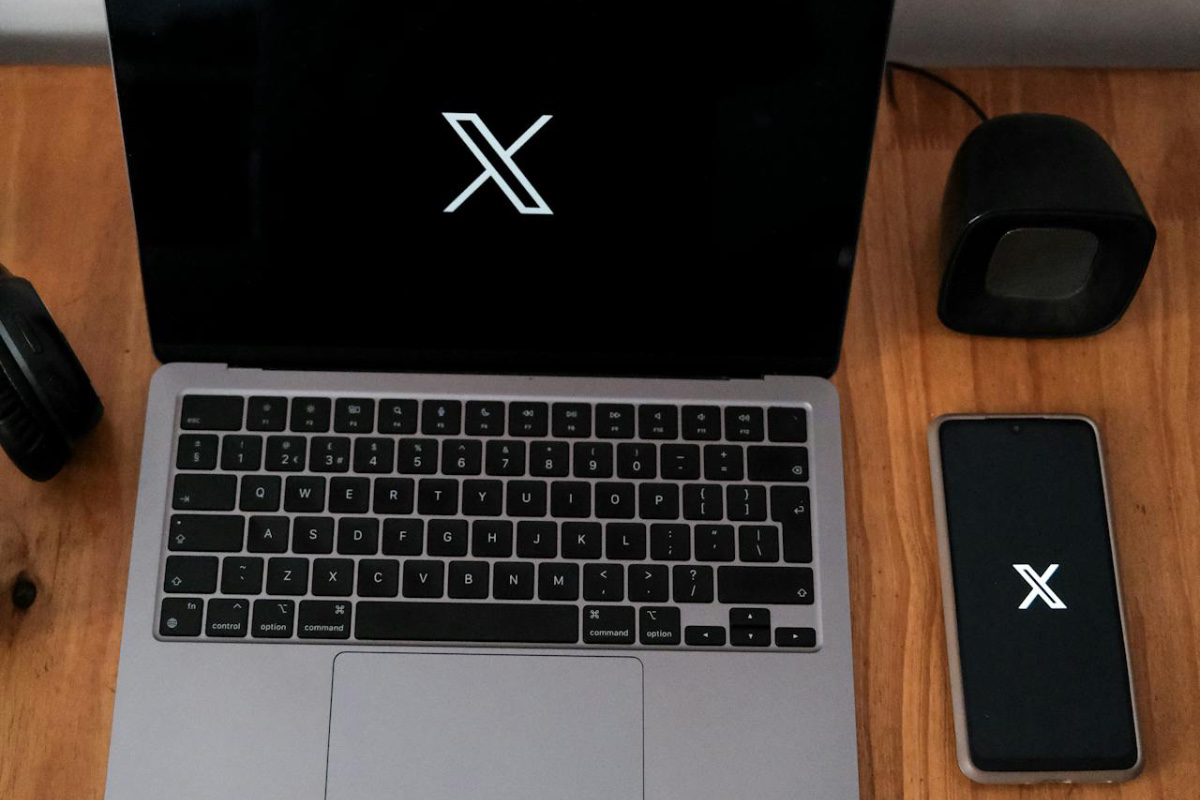
How to Edit Direct Messages on X (formerly Twitter): Mastering the New Feature

Source: Pexels/Photo by Mati Mango

A feature many users have been eagerly awaiting, X, the social media platform once known as Twitter and now under the ownership of Elon Musk, has introduced the ability to edit direct messages (DMs). 

This feature is currently available only on iOS, with plans to expand to other platforms soon. If you’ve ever wished you could change a sent message, correct a typo, or simply rephrase something, this update is just what you need.

Here’s a step-by-step guide on how to take advantage of this new functionality:

Accessing the Edit Option

To start editing a DM on X, follow these steps:

  1. Open a Conversation: Go to any direct message thread within the X app on your iOS device.
  2. Select the Message: Locate the specific message you wish to edit. You can either long-press on the message or tap on the three-dot menu that appears next to it.
  3. Choose “Edit Message”: Once the options appear, select “Edit message” to start making your changes.
  4. Make Your Edits: Modify the message as needed. After making the necessary changes, hit “Save” to finalise the edit.

Important Details to Keep in Mind

While this feature brings flexibility, there are a few limitations:

Subscribe to our Telegram channel for the latest updates.

Follow the latest developments with instant alerts on breaking news, top stories, and trending headlines.

Join Channel
  • No Time Restriction: Unlike some platforms where edits must be made within a specific time frame, X allows you to edit messages at any time, whether they are recent or from weeks ago.
  • Edit Limit: Each message can only be edited up to five times. After that, no further changes can be made to that particular message.
  • Image and Encryption Limitations: The feature does not currently support the editing of images within DMs. Added to this, encrypted DMs cannot be edited as of now, though X has disclosed that this may change in future updates.
  • No Version History: While X keeps a log of edits for security reasons, users cannot view the history of edits. The edited message will simply show an “Edited” label.

This new feature brings X in line with other messaging platforms like WhatsApp, Telegram, and Messenger, which have brought similar features for some time. It’s a great tool for users looking to refine their communication or correct mistakes after sending a message.

Even if you’re correcting a typo or rephrasing your thoughts, this new feature brings convenience to your X messaging.

Be sure to update your iOS app to the latest version to access the edit function, and keep an eye out for its rollout on other platforms.


0Shares

Previous Post

#Fuel: Netizens React as Dangote Refinery Pumps First PMS

Next Post

Meet Dr. Olasupo Olusi, newly Appointed MD/CEO Bank of Industry

Joan Aimuengheuwa

Joan Aimuengheuwa

Joan thrives at helping individuals and businesses scale via storytelling...

Related Posts

BVN registration in Nigeria | Database | new rules

EXPLAINER: New CBN BVN Rules Take Effect | What Every Nigerian Bank Customer Must Know

May 1, 2026
Margaret Banasko | FairMoney MFB | Saving hacks for Freelancers

Five Smart Saving Hacks Nigerian Freelancers Need to Survive Rising Living Costs

April 20, 2026

How to Use Faith-Based Apps without Screen Fatigue

April 5, 2026
Load More
Next Post
Dr. Olasupo Olusi MD/CEO, Bank of Industry -

Meet Dr. Olasupo Olusi, newly Appointed MD/CEO Bank of Industry

Leave a Reply Cancel reply

Your email address will not be published. Required fields are marked *

I agree to the Terms & Conditions and Privacy Policy.

This site uses Akismet to reduce spam. Learn how your comment data is processed.

Techeconomy Podcast
Techeconomy Podcast

The Techeconomy Podcast is a thought-leadership show exploring the powerful intersection of technology, business, and the economy, with a strong focus on Africa’s fast-evolving digital landscape.

PROTECTING INNOVATION IN AFRICA’S STARTUP ECOSYSTEM
byTecheconomy

Protecting Innovation in Africa’s Startup Ecosystem . A timely conversation for the future of African entrepreneurship.

PROTECTING INNOVATION IN AFRICA’S STARTUP ECOSYSTEM
April 29, 2026
Techeconomy
BUILDING TRUST IN AFRICA ECOSYSTEM
February 27, 2026
Techeconomy
Navigating a Career in Tech Sales
January 29, 2026
Techeconomy
How Technology is Transforming Education, Health, and Business
November 27, 2025
Techeconomy
INNOVATION IN MOBILE BANKING
October 30, 2025
Techeconomy
Search Results placeholder
  • About Us
  • Careers
  • Contact Us
  • Privacy Policy

© 2026 TECHECONOMY.

No Result
View All Result
  • Technology
  • Business
  • Economy
  • Features
  • Editorial
  • Brand Content
  • TECHECONOMY TV

© 2026 TECHECONOMY.

This website uses cookies. By continuing to use this website you are giving consent to cookies being used. Visit our Privacy and Cookie Policy.