
ADVERTISEMENT
Monday, June 15, 2026
Tech | Business | Economy
No Result
View All Result
  • Technology
    • Trends
    • Telecoms
      • Broadband
    • ConsumerTech
      • Gadgets and Appliances
      • Apps
      • Accessories
      • Reviews
      • Unboxing
    • EnterpriseTECH
    • Security & Data Protection
    • How To
  • Business
    • Company News
    • StartUPs
      • Founder’s Story
      • Funding
    • Deals
    • People & Moves
    • SME & Entrepreneur Focus
    • BUSINESS SENSE FOR SMEs
    • Competition & Market Positioning
    • Commerce & Mobility
    • Travel
    • WomenPreneurs
  • Economy
    • Macroeconomic Trends
      • Macro Monday
      • TE Insights
    • Finance
      • Banks
      • Fintech
      • Insurance
      • Digital Assets
      • Personal Finance
    • Policies
      • Tech & Society
    • Market Analysis
    • Jobs & Workforce Economy
  • Features
    • Guest Writer
      • Chidiverse
      • Digital Assets
      • GameTech
    • EventDIARY
    • IndustryINFLUENCERS
    • MarkTECH
    • TBS
    • NewsEXTRA
  • Editorial
  • Brand Content
  • TECHECONOMY TV
Monday, June 15, 2026
Tech | Business | Economy
No Result
View All Result
Tech | Business | Economy
No Result
View All Result

Home » How to Link Your NIN/BVN on the PalmPay App

How to Link Your NIN/BVN on the PalmPay App

Techeconomy by Techeconomy
February 23, 2024
in How To
Reading Time: 2 mins read
0
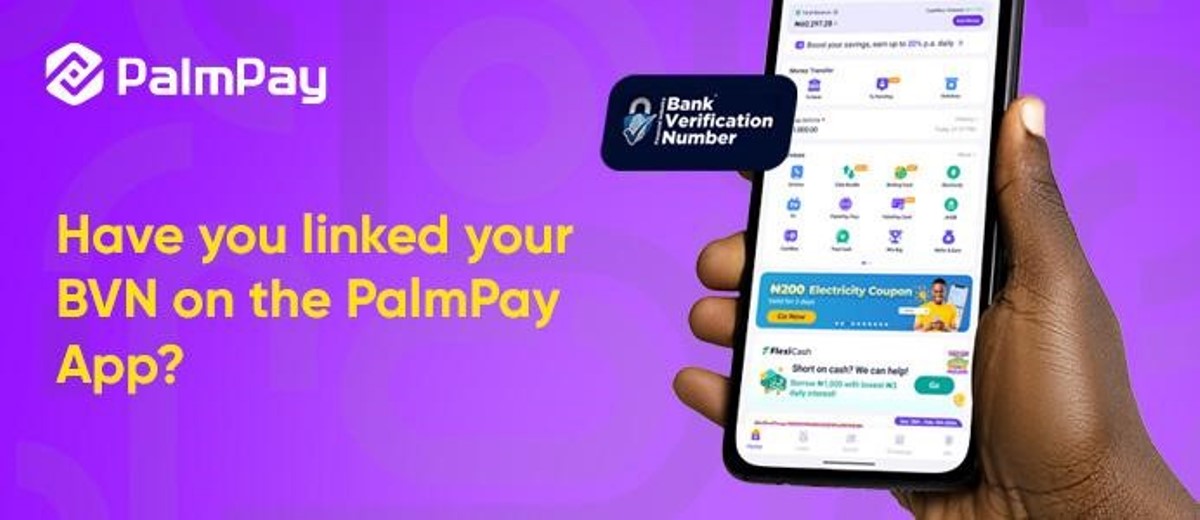
How to Link NIN and BVN to PalmPay

How to Link NIN and BVN to PalmPay

The PalmPay app now has enhanced features allowing users to effortlessly add their National Identification Number (NIN) and Bank Verification Number (BVN) to their wallets while upgrading their Know Your Customer (KYC) levels.

PalmPay’s streamlining of the process for users to fortify their wallets with vital identification details is in response to the evolving regulatory landscape and commitment to users’ safety and ahead of the CBN’s deadline of March 31, 2024.

The integration of NIN/BVN adds an extra layer of authenticity to user profiles, fostering a safer experience for PalmPay users and a robust financial ecosystem.

Here’s a step-by-step guide for users to leverage these new features:

  1. Access Your PalmPay App: Open the PalmPay app on your smartphone device.


  1. Navigate to Profile/Settings: Locate the “Profile” or “Settings” section within the app.


  1. Access KYC/Verification Section: Find the KYC (Know Your Customer) or Verification section.


  1. Add NIN/BVN: Follow the instructions to input your NIN and BVN details seamlessly.


  1. Complete Additional KYC Steps: Provide any supplementary documents or information as prompted to complete the KYC process.


  1. Submit for Verification: Once all details are entered, submit the information for verification.

PalmPay remains dedicated to ensuring a user-friendly experience while adhering to the highest standards of compliance and security.

Users are encouraged to explore the app’s help section for additional guidance or contact PalmPay’s customer support team for personalized assistance.

To stay tuned for further updates as PalmPay continues to innovate and enhance the financial well-being of its users, follow PalmPay on social media – on Instagram @palmpayapp_ng, X/Twitter @palmpay_ng, Facebook @palmpayapp.ng.

 

0Shares
Previous Post

Google Temporarily Halts Gemini AI’s Ability to Generate Images of People

Next Post

What’s Mentorship Got to do with Employee Experience?

Techeconomy

Techeconomy

Related Posts

Review: SanDisk iXpand Flash Drive Luxe – A Smart Storage Solution for iPhones | Phone

Why Your Phone Storage is Filling Up Faster Than Before And What to Do

June 2, 2026
Free up phone space | iPhonee and Android

Five Smart Ways to Free Up Phone Storage without Deleting Your Photos

May 28, 2026

NCC Advisory: Take Control of Your Mobile Data

May 26, 2026
Load More
Next Post
Gbemi Adekambi at Moniepoint Mentorship programme

What’s Mentorship Got to do with Employee Experience?

Leave a Reply Cancel reply

Your email address will not be published. Required fields are marked *

I agree to the Terms & Conditions and Privacy Policy.

This site uses Akismet to reduce spam. Learn how your comment data is processed.

TECHECONOMY YOUTUBE CHANNEL

  • About Us
  • Careers
  • Contact Us
  • Privacy Policy

© 2026 TECHECONOMY.

No Result
View All Result
  • Technology
  • Business
  • Economy
  • Features
  • Editorial
  • Brand Content
  • TECHECONOMY TV

© 2026 TECHECONOMY.

This website uses cookies. By continuing to use this website you are giving consent to cookies being used. Visit our Privacy and Cookie Policy.