
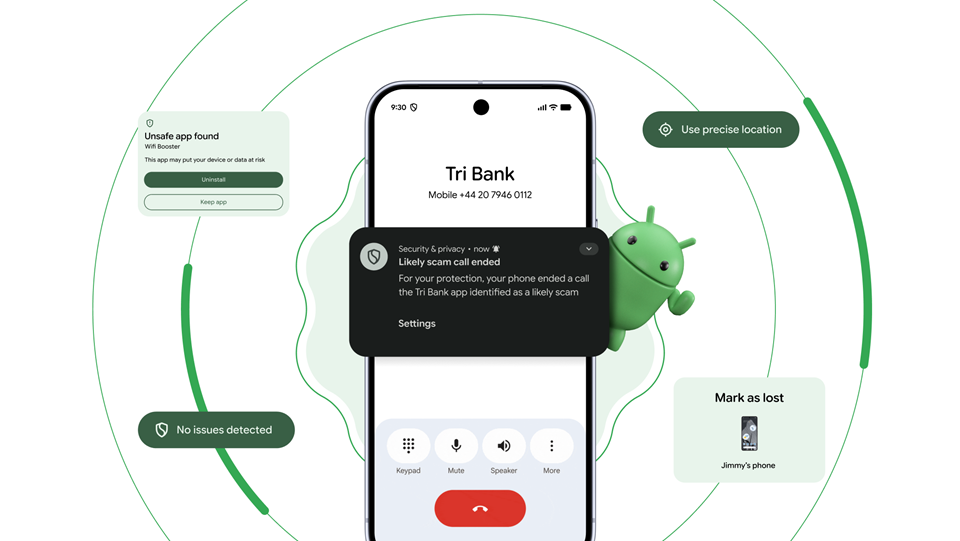
Packed with groundbreaking news, these updates will transform our Android interactions. Android, the world’s most popular OS with over 3 billion active devices, continues to innovate, bringing practical benefits and new possibilities.
For people in Nigeria, these advancements promise easier, safer, and more personal digital lives driven by Gemini Intelligence.
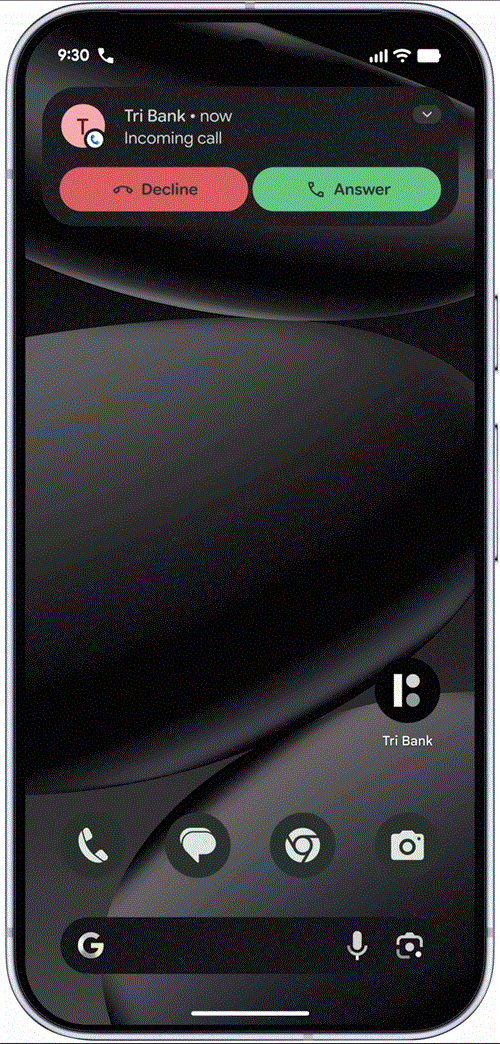
From handing off your to-do list to unbreakable theft protection, dive into how Android’s 12 latest offerings will empower users across the continent:
1. Hand Off Your To-Do List with Gemini App Automation
Google is introducing Task Automation, allowing Gemini to navigate multi-step tasks across your apps so you can focus on other things. Instead of manually switching between apps and copying data, you can simply point your camera at a travel brochure in a hotel lobby and say, “Find a tour like this on Expedia for a group of six.”
You can also long-press your power button over a grocery list in your notes app and ask Gemini to build a shopping cart with all the items for delivery. Gemini handles the logistics in the background while keeping you in complete control.
Availability: Already in beta on S26 and P10 Pro devices, and launching on Galaxy Fold8 and Pixel 11 later this year.
2. Speak Naturally with “Rambler” (Powered by Gemini)
Google is announcing Rambler, a revolutionary voice typing feature in Gboard that captures your underlying intent rather than just transcribing your exact words. Because we don’t always speak the way we want to write, Rambler lets you talk naturally, including self-corrections, repeats, and filler words like “ums” and “ahs”, and turns those raw thoughts into a polished, concise message.
It is built for a global community and can seamlessly switch between multiple languages, like blending English and Hindi, within a single sentence.
Availability: Rolling out first to Pixel devices starting in Q3 2026.
3. A Personal Browsing Assistant with Gemini in Chrome
Google is announcing a built-in personal browsing assistant for Chrome on Android, designed to help you research and understand web content without ever leaving the app.
By tapping the Gemini icon on your toolbar, the assistant opens at the bottom of your display so you can ask specific questions about the webpage you are currently viewing.
Whether you need a quick summary of a long article or a detailed explanation of a complex topic, this tool seamlessly enhances your mobile web experience.
Availability: Rolling out to select Android 12+ devices with 4GB+ of RAM in the U.S. starting at the end of June.
4. Instant Image Customization with Nano Banana
Google is introducing Nano Banana, an innovative feature that lets you instantly create and customize images directly within your Chrome browser.
For example, if you are studying for an online exam, you can simply ask your browsing assistant to turn a text-heavy page into an informative infographic.
Similarly, if you are scrolling through apartment listings, you can ask the assistant to alter a photo of an empty room to include modern living room essentials, allowing you to instantly visualize ideas on the go.
Availability: Available in Chrome for Android starting next month.
5. Share with Anyone Using Quick Share & AirDrop
Google is announcing a massive expansion to Quick Share, making it compatible with AirDrop to solve the universal hassle of sharing files between different phone brands.
If you are at a family gathering and want to share a video with friends using iOS, you can simply use Quick Share on your Android phone to generate a QR code. Scanning this code lets you instantly share high-quality media across devices via the cloud, breaking down the barriers between operating systems.
Availability: Expanding to more partners including Samsung, OPPO, OnePlus, Vivo, Xiaomi, and HONOR this year.
6. OSmosis: Wireless iOS-to-Android Transfer
Google is announcing OSmosis, a completely overhauled, wireless iOS-to-Android transfer process that makes switching phones easier than ever. You can now wirelessly migrate your passwords, photos, messages, favorite apps, contacts, and even your precise homescreen layout directly from your iPhone to your new Android device without needing a cable.
Availability: Launching first on new Samsung Galaxy and Google Pixel devices later this year.
7. Pro-Grade Creator Tools Natively on Instagram
Google is announcing an expanded partnership with Meta to bring pro-level camera and editing features natively to the Instagram app on Android flagships.
Android creators can now enjoy Ultra HDR capture for lifelike, vibrant colors, along with built-in video stabilization to keep footage smooth while walking or dancing.
The update also includes deep Night Sight integrations, ensuring you can capture the perfect shot even in the dimmest settings.
Availability: Rolling out to flagship devices throughout Q3 and Q4 2026.
8. Reclaim Your Time with “Pause Point”
Google is introducing Pause Point, a new digital wellbeing tool designed to help you stop mindless, autopilot scrolling. When you try to open an app you have identified as distracting, Pause Point gives you a mandatory 10-second breather to ask yourself, “Why am I here?” During this pause, you can do a quick breathing exercise or set a strict timer for your app usage. To ensure you stick to your goals, turning the feature off completely requires you to restart your phone.
Availability: Available in Q4 2026 across all countries and languages.
9. Unbreakable Biometric Theft Protection
Google is announcing a powerful new anti-theft measure that enhances the “Mark as lost” feature with biometric authentication.
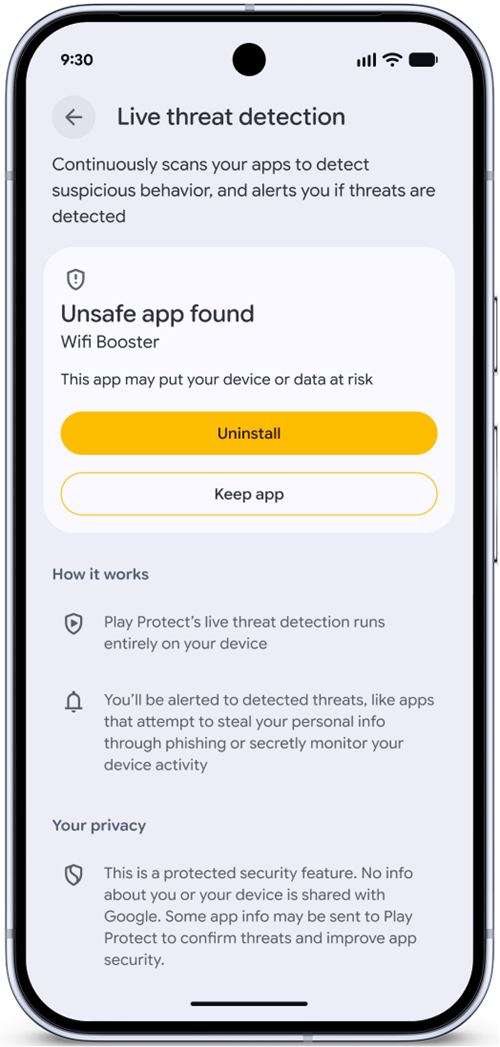
If your device is snatched, you can now lock it using your fingerprint or face in addition to the standard passcode.
This provides an immediate, unbreakable layer of security, meaning that even if a thief spied on your PIN before stealing your phone, they will not be able to turn off device tracking or re-access your personal data.
Availability: Rolling out as a built-in feature on devices running Android 17.
10. Express Yourself with Noto 3D Emoji
Google is announcing Noto 3D, a massive update to the way we express ourselves with nearly 4,000 newly designed emoji. Moving away from flat 2D icons, these new 3D emoji bring a touch of physicality and weight to your digital conversations.
Whether you are sending a wrapped burrito or a joyful smile, this visually vibrant collection bridges the digital divide, representing the difference between a message simply being received and a true presence felt.
Availability: Available across Google platforms, starting with Pixel phones later this year.
11. Fill Out Forms in a Single Tap with Gemini Personal Intelligence
Google is announcing an evolution to Autofill with Google, powered by Gemini’s Personal Intelligence. This new feature allows Android to automatically fill in complex forms across your apps and Chrome browser.
By securely pulling relevant information from your connected apps or saved photos, such as passport details or frequent flyer numbers, your device saves you from the universal hassle of typing out tiny text on a mobile screen.
Availability: Rolling out in Q2 2026 for phones, and Q4 2026 for laptops and tablets.
12. Build Custom Widgets with Gemini Intelligence
Google is introducing Create My Widget, taking the first step in generative UI to give you more ways to make your device truly yours.
You can now build entirely custom widgets just by describing what you want using natural language. For example, a meal prepper can ask for a widget that suggests high-protein recipes every week, or a cyclist can create a weather dashboard that surfaces exact wind speed and rain stats right on the home screen.
Availability: Launching in Q3 2026 for phones, watches, laptops, and tablets.