

As mobile technology has advanced, schoolwork has become more dependent on the internet. Assignments can now be created and stored in apps, while lecture materials are shared through cloud drives, even at the primary school level.
This shift, although helpful, has also created a problem of choice for parents who can afford these devices. The issue goes beyond choosing between phones, tablets or laptops. It now comes down to which platform actually makes sense for students in 2026.
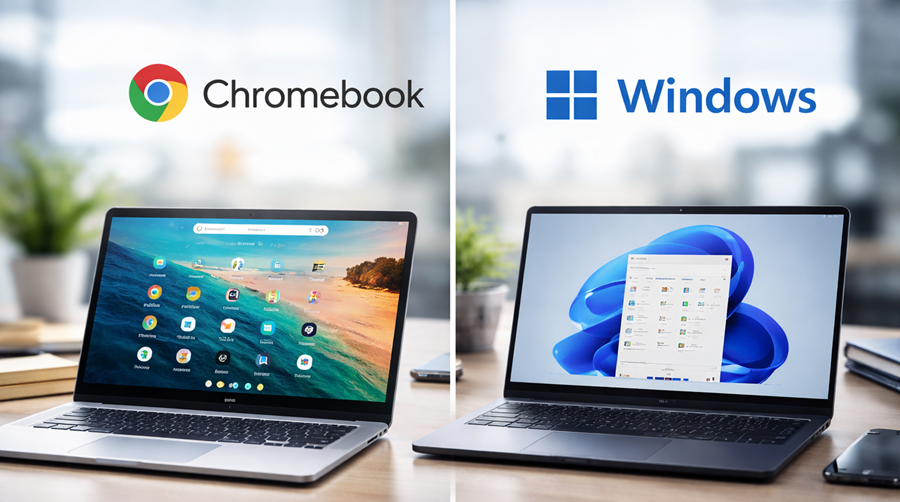
At the entry level, the market is largely divided between two similar devices in the same form factor. On one side is the Chromebook, a laptop designed for simplicity, speed and cloud-based learning.
On the other side are traditional Windows laptops, built for flexibility, offline productivity and wider software compatibility.
Both can handle schoolwork. From internet research and online classes to productivity apps and assignments, either option can get the job done.
But once you look beyond basic specifications, the differences become clearer, especially in Nigeria where infrastructure challenges still affect everyday computing.
Chromebooks
The biggest advantage of a Chromebook is not raw power, but convenience. Chromebooks run on ChromeOS, a lightweight operating system designed mainly for web-based tasks.
Opening the lid wakes the device almost instantly. Apps launch quickly and updates happen in the background, making the overall experience feel smooth even for younger students.
This simplicity matters more than many people realise.
With over 4.9 billion users worldwide, Google’s ecosystem is already used across schools and homes. Services like Google Docs, Google Drive and Google Classroom have become common tools for learning and collaboration.
Because Chromebooks are built around these services, the integration feels seamless and efficient. In many cases, cheaper Chromebooks can even feel faster than low-end Windows laptops during basic school tasks.
Security is another major advantage. Windows laptops are more vulnerable to malware and corrupt software, while ChromeOS uses a sandboxed system that significantly reduces system-level security attacks.
The limitation appears when workloads move beyond browser-based tasks.
Windows Laptops
A Chromebook works well for modern classroom activities, but Windows laptops are more practical for more use cases. This becomes more obvious as students move into higher classes and begin using more demanding software.
The closer a student gets to university level, the higher the chances they will encounter programs that work better on Windows, especially in STEM-related fields.
Advanced Microsoft Excel work, desktop coding tools, engineering software, offline CBT platforms and specialised educational applications still heavily favour Windows compatibility.
There is also the issue of internet dependence. Chromebooks have improved over the years, but many features still work best with stable internet access.
In Nigeria where network quality can be inconsistent and mobile data is still unreliable, and mobile data is expensive for many households, that dependence can be frustrating.
These factors explain why many parents still choose Windows laptops despite the convenience Chromebooks offer. However, the type of Windows laptop you choose still matters. Older or poorly configured models with weak hardware can create a frustrating experience.
Which One Fits the Average Nigerian Student?
For younger students who need a laptop mainly for online learning, browsing, typing assignments and attending video classes, Chromebooks are honestly difficult to ignore.
They are easier to maintain, often come with longer battery life and are less vulnerable to cyber attacks, but once long-term versatility is considered, Windows regains ground immediately.
And in Nigeria specifically, there are some additional realities that global reviews rarely cover.
- Power Supply: Chromebooks generally perform better in this area because ChromeOS is lightweight and more energy efficient.
- Durability: Cheap consumer laptops often age badly under typical Nigerian usage conditions. This is exactly why old model enterprise-grade Windows laptops are more popular locally. On the other hand, most Chromebooks are designed for rugged use.
- Repairs and Maintenance: Windows laptops are easier to repair almost everywhere in Nigeria. Spare parts are also easier to get, and technicians are more familiar with them. Chromebooks don’t have the advantage of a stronger repair ecosystem yet.
- Internet Dependence: A Chromebook performs best when there is reliable internet access. A Windows laptop remains more flexible even when connectivity becomes inconsistent.
Best Entry-Level Options Under N180K
At this price, expectations need to stay realistic. Most genuinely good options for this price are always used or refurbished models, but surprisingly, there are good choices to pick from.
- HP EliteBook 840 G5: For Windows, this remains one of the best recommendations for the N180K – N200k price range. It’s an 8th-generation Intel laptop that can still serve for school work, multitasking and productivity. The important thing is avoiding anything below Intel’s 8th generation at this price unless the price is far lower.
- HP Chromebook X360: The best Chromebooks over the years have always come from either HP or Dell, and the X360 is a great option for students focused on browser-based learning.
The only warning is that buyers need to verify before purchasing any Chromebook to make sure they are within Google’s software support timeline. Some older Chromebooks are already approaching end-of-support dates, which means no future ChromeOS updates.
For younger students, especially at primary and secondary school levels, Chromebooks arguably make more sense. But for older students or household use, Windows remains the safest investment because it can handle a wider range of tasks and software.
Interestingly, this category may change soon. Google is already pushing for deeper ecosystem integration with the newly announced “Googlebook”. This time powered by Gemini intelligence.
Regardless of which option parents choose, laptops are no longer optional tools for learning. They have become part of the modern classroom in much the same way smartphones already have.